
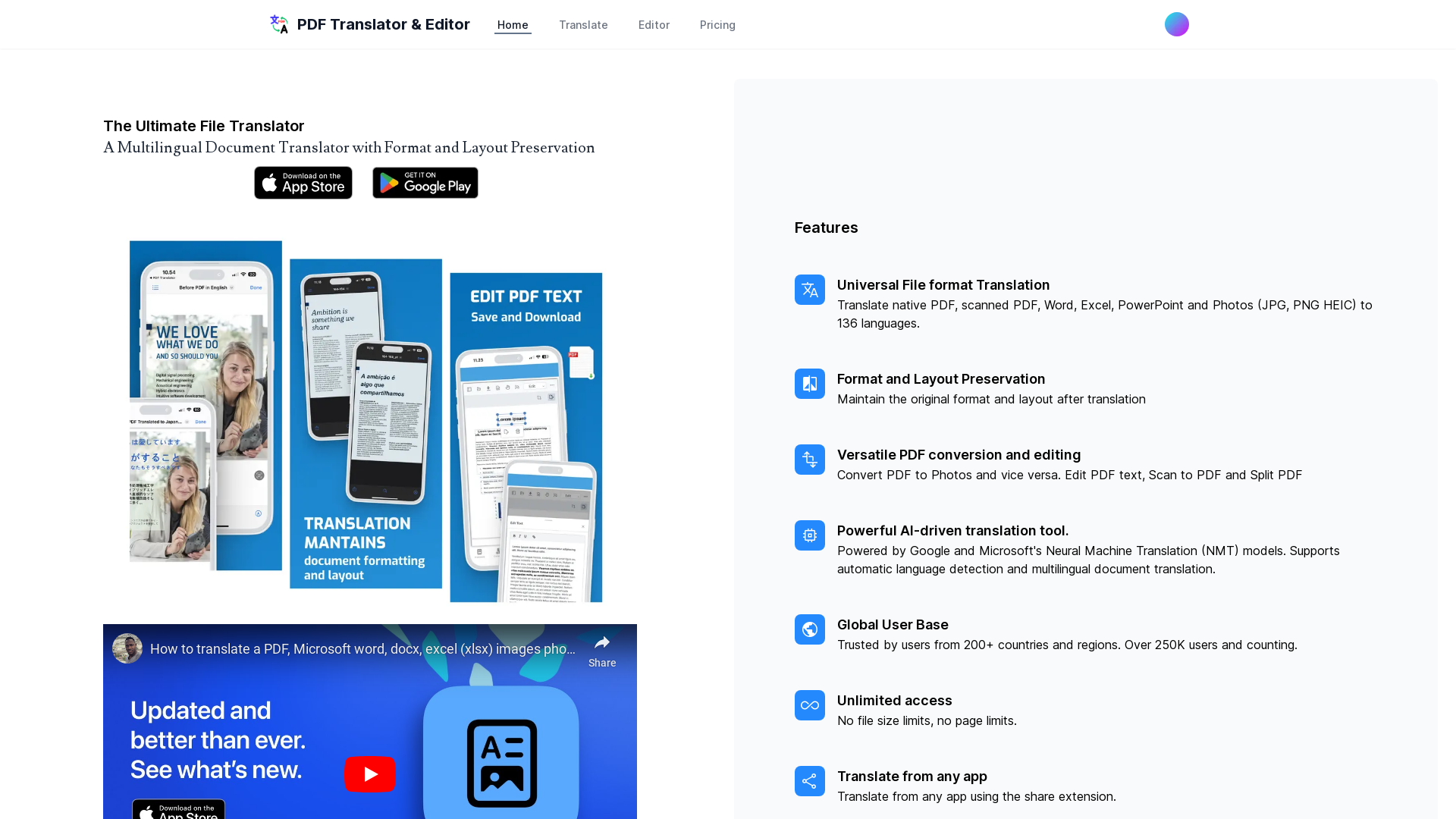
PDF Translator and Editor is a comprehensive tool designed for translating and editing documents in various formats, including native PDFs, scanned PDFs, Word, Excel, PowerPoint, and images (JPG, PNG, HEIC). This platform supports translation into 136 languages while ensuring that the original format and layout are preserved, making it an ideal choice for individuals and businesses that require reliable multilingual document handling. Using PDF Translator and Editor is straightforward. Simply upload your document in any of the supported formats, select the target language, and click on the translate button. The platform will retain the original document's layout while providing a high-quality translation. Users can also edit the content directly if they need to make changes to the text before or after translation. PDF Translator and Editor offers various pricing models to suit your needs. Users can choose from monthly or yearly subscriptions that provide unlimited access to all features without any constraints on file sizes or the number of pages. For precise pricing details, it is advised to visit the official website. Yes, you can easily translate scanned PDFs while preserving the original format. No, there are no file size or page limits, allowing for unlimited translations. You can upload PDFs, Word documents, Excel files, PowerPoint presentations, and image files in JPG, PNG, and HEIC formats. No, you can use the basic features without creating an account, but signing up may offer additional advantages. The translations are powered by advanced AI models, providing high accuracy and contextually relevant translations. However, it is always recommended to proofread for any specific terminology.


