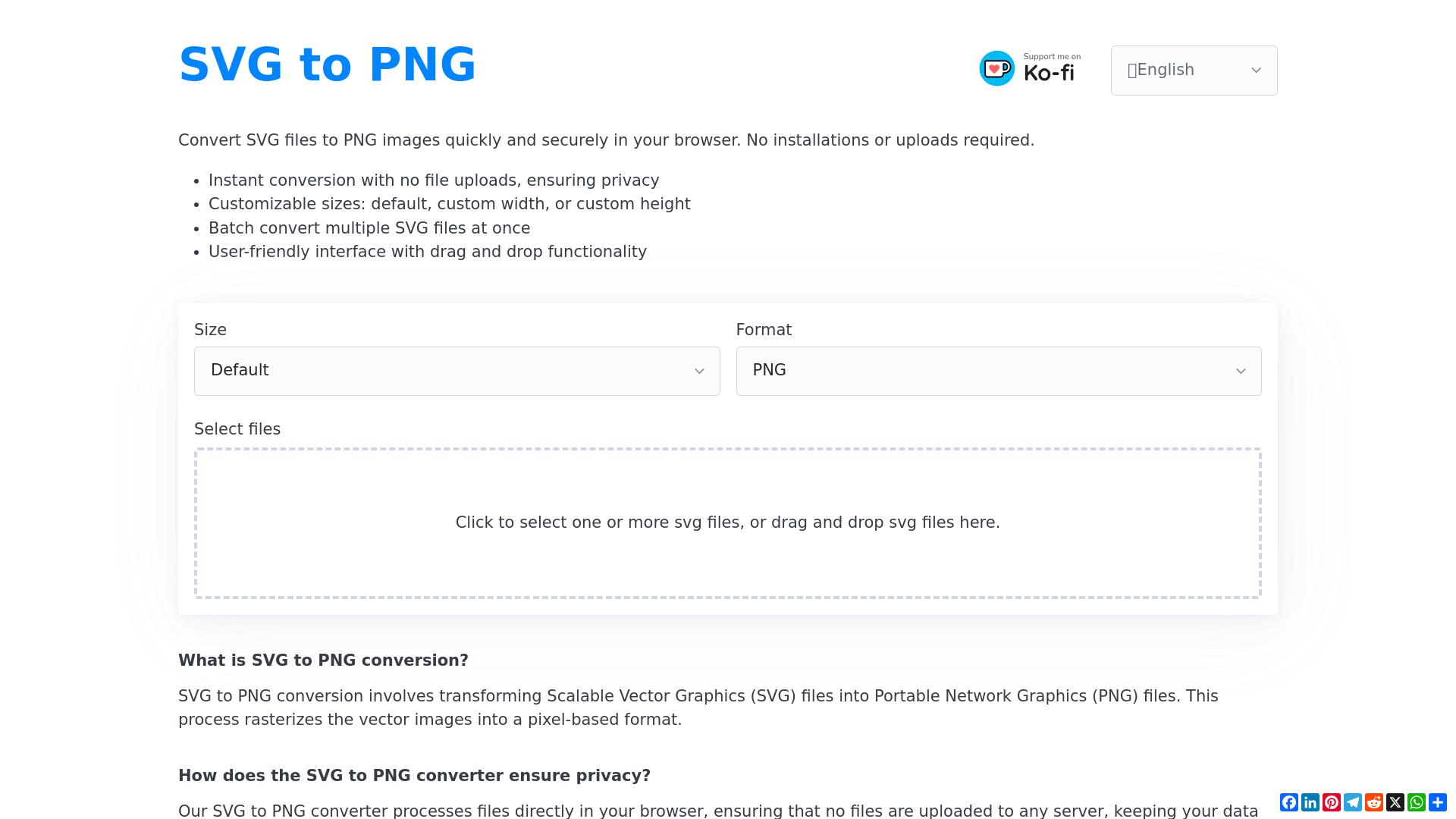
SVG to PNG conversion involves transforming Scalable Vector Graphics (SVG) files into Portable Network Graphics (PNG) files. This process rasterizes the vector images into a pixel-based format, making them suitable for a variety of applications including web designs and presentations. The SVG to PNG conversion service is provided for free, with no hidden costs or software installations required, making it accessible for all users. Our SVG to PNG converter processes files directly in your browser, ensuring that no files are uploaded to any server, thus keeping your data secure and private. Yes, you can batch convert multiple SVG files to PNG at once, facilitating quick processing for numerous files. Absolutely! During the conversion, you can choose default sizes or set up custom dimensions for width and height. No software installation is necessary; the entire process operates within your web browser. The conversion is instantaneous as it occurs locally in your browser, ensuring a rapid and efficient workflow. Yes, the SVG to PNG converter is compatible with any device that has a modern web browser, including desktops, laptops, tablets, and smartphones. The converter specifically handles SVG files, seamlessly transforming them into the PNG format for diverse applications.