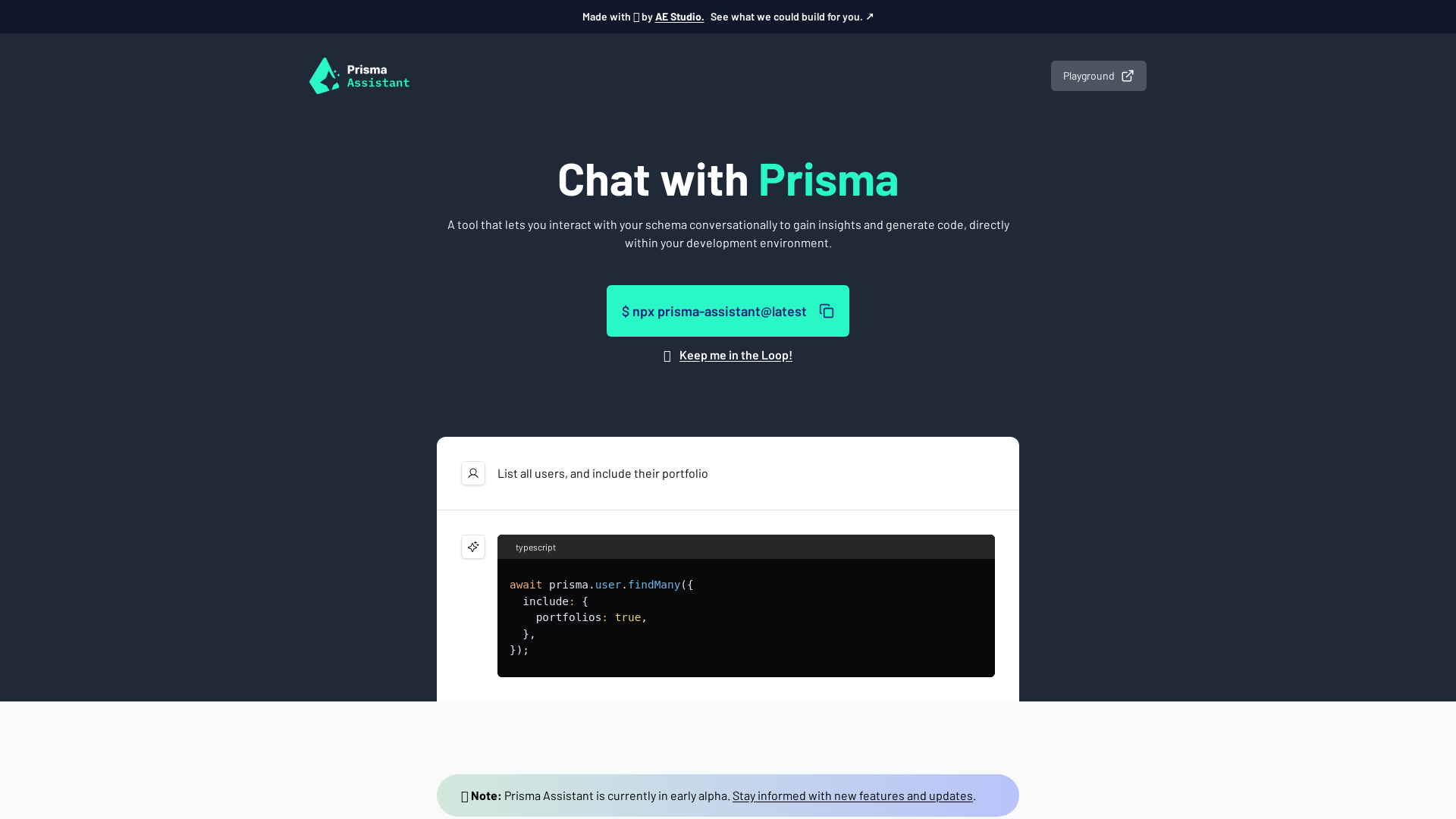
Prisma Assistant is an innovative tool designed for developers that allows for interactive communication with their database schema. It provides insights and enables code generation directly within the development environment, enhancing workflow efficiency and facilitating easier project management. To get started with Prisma Assistant, follow these steps: You can customize the behavior of Prisma Assistant by setting optional environment variables: Keep your OpenAI API key secure since it is sensitive information. Prisma Assistant operates entirely on your machine, meaning your API key is never shared or exposed. Yes, Prisma Assistant can be utilized on MacOS, Linux, and Windows, with specific commands for each environment. Make sure that your API key is set correctly in the environment variables and that there are no typographical errors. No, your OpenAI API key is only used during your local session and is not stored or shared by Prisma Assistant. You can opt-in to receive updates by subscribing to notifications offered on the Prisma Assistant platform.