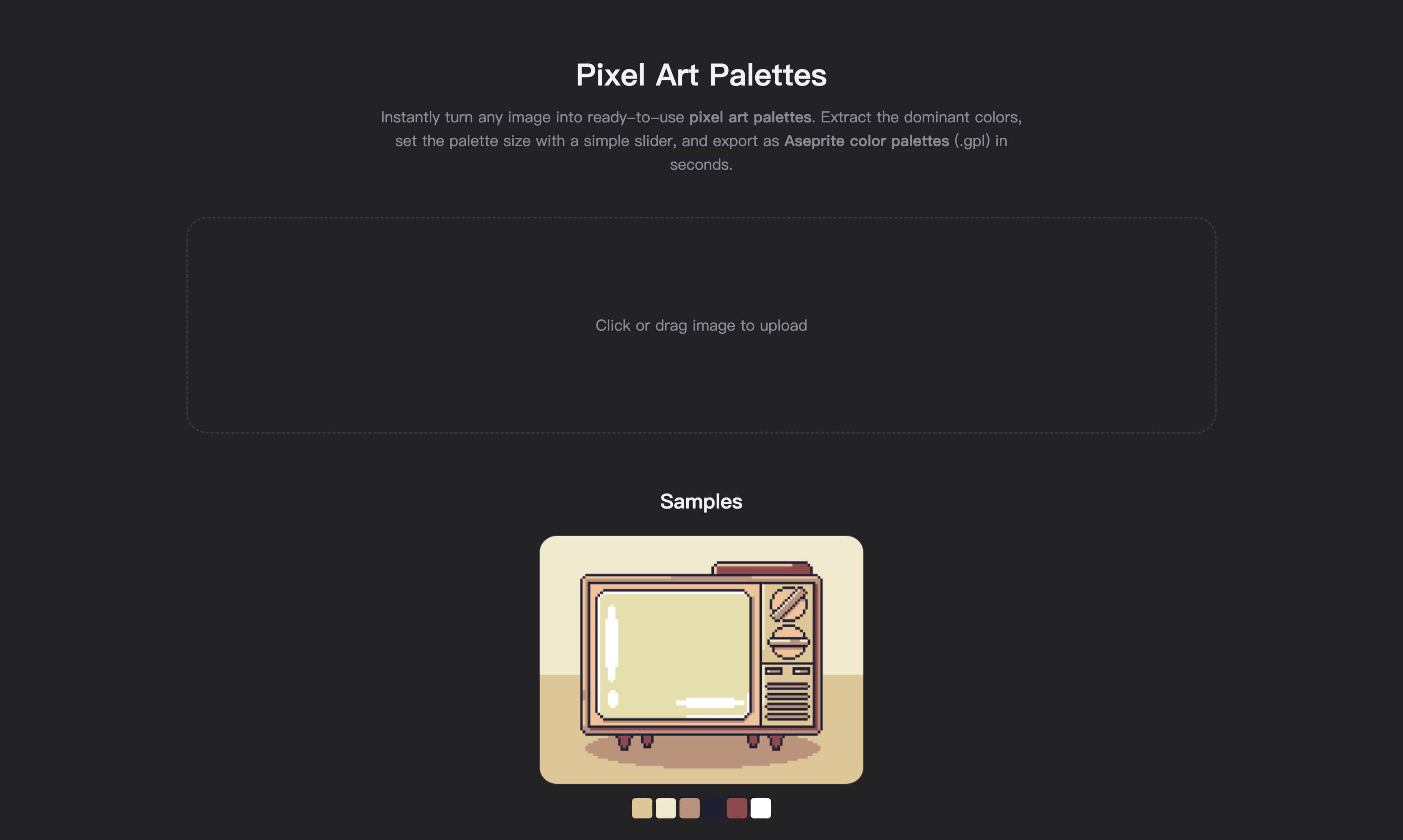
Pixel Art Palettes is the fastest way to build clean, usable color palettes from any image. Upload concept art, screenshots, or mood boards and the tool extracts all colors, sorted by frequency. Use the slider to set exactly how many shades you want—whether a small 8-color set for retro sprites or a 24-color palette for modern pixel art. Nearby tones are merged to keep contrast sharp, so your pixel art palettes remain readable and production-ready. Export the result as Aseprite color palettes (.gpl) with one click, no manual setup required. Because colors are ranked by importance, the palettes emphasize what matters most and reduce background noise. From quick exploration to final assets, this tool makes creating pixel art palettes and Aseprite color palettes effortless, consistent, and ready for any workflow.